Administration
Workflow templates and versions
Define reusable processes and publish the versions available to new requests.
- Who can use it
- SuperAdmin.
- Where to find it
- Workflow templates in the main navigation.
Step by step
Open Workflow templates and inspect each template name, status, version, and task count.
Create a template with a name and optional description, then open its editor.
Configure the departments, tasks, dependencies, and required response fields.
Publish the valid draft when it is ready for use by new requests.
To revise a published template, open it and create a new version, then edit and publish that draft.
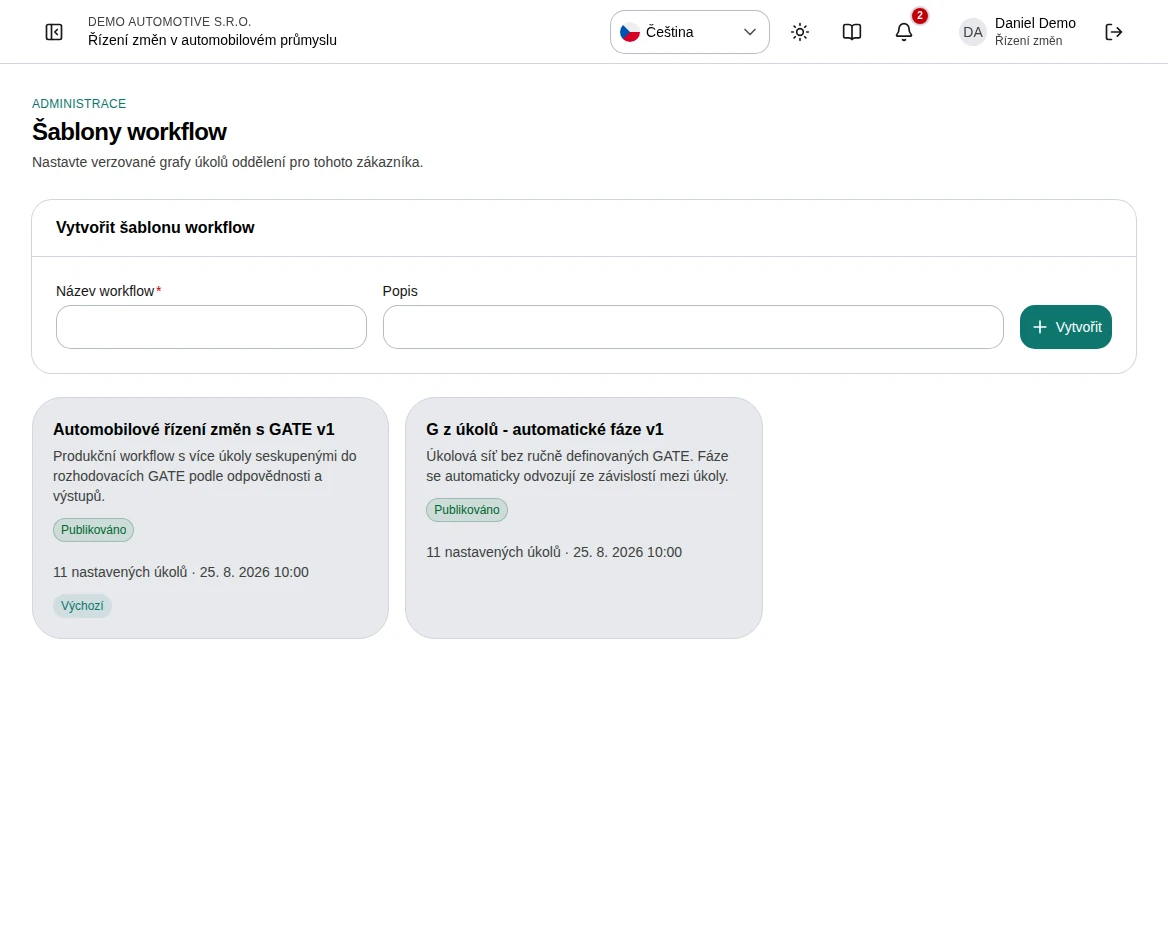 Enlarge screenshot
What to know
Draft, published, and default
Drafts are editable. Publishing makes a version read-only. The default flag identifies the preferred workflow for new changes.
Existing cases
New requests receive a snapshot of a published version. Changing or publishing a later version does not alter the task graph already copied into an existing case.