Managing changes
Audit history and traceability
Understand the recorded events for a change and the separate interaction audit.
- Who can use it
- Users who can read the case; interaction audit requires management access.
- Where to find it
- Request > Audit history.
Step by step
Open the request and scroll to Audit history.
Read each event description together with its actor and timestamp.
Look for Administrative override labels when reviewing exceptional actions.
Compare task handovers and approval records for the full context of a decision.
Use the request export when you need a portable case record.
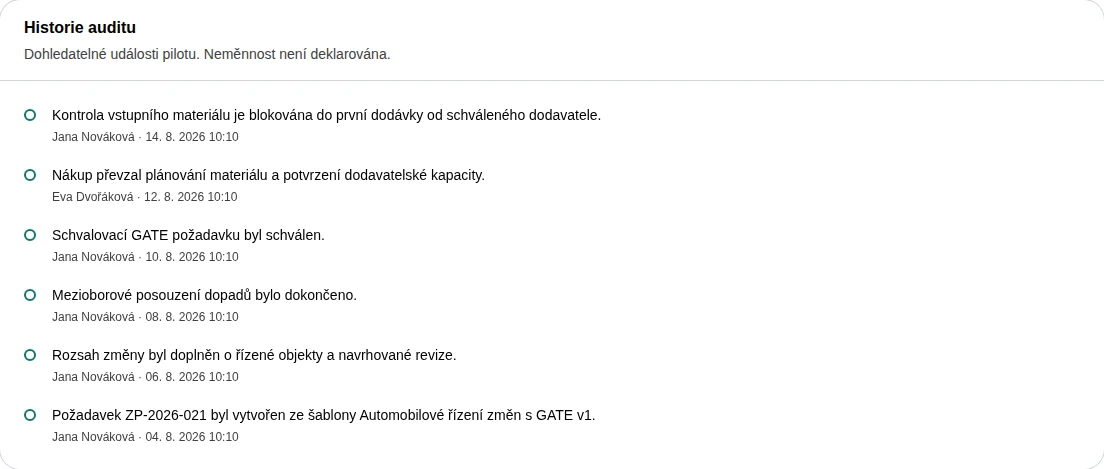 Enlarge screenshot
What to know
Two different histories
Request history describes case actions. Administration > Interaction audit records page visits and clicks. Use the former for process history and the latter for navigation context.
Pilot limits
The app describes request events as traceable pilot events and does not claim immutability. The screenshot shows Audit history near the bottom of the request page.