The MyChangeProcess handbook
A clear path through every change.
Learn how to manage change requests, complete departmental work, and configure your organization. Practical guides, illustrated with real app screens.
 Enlarge screenshot
Find your starting point
Browse all guides
Getting started
Understand how requests, workflow templates, departments, and tasks fit together.
Sign in and navigateAccess your company workspace and find the main navigation, language, and account controls.
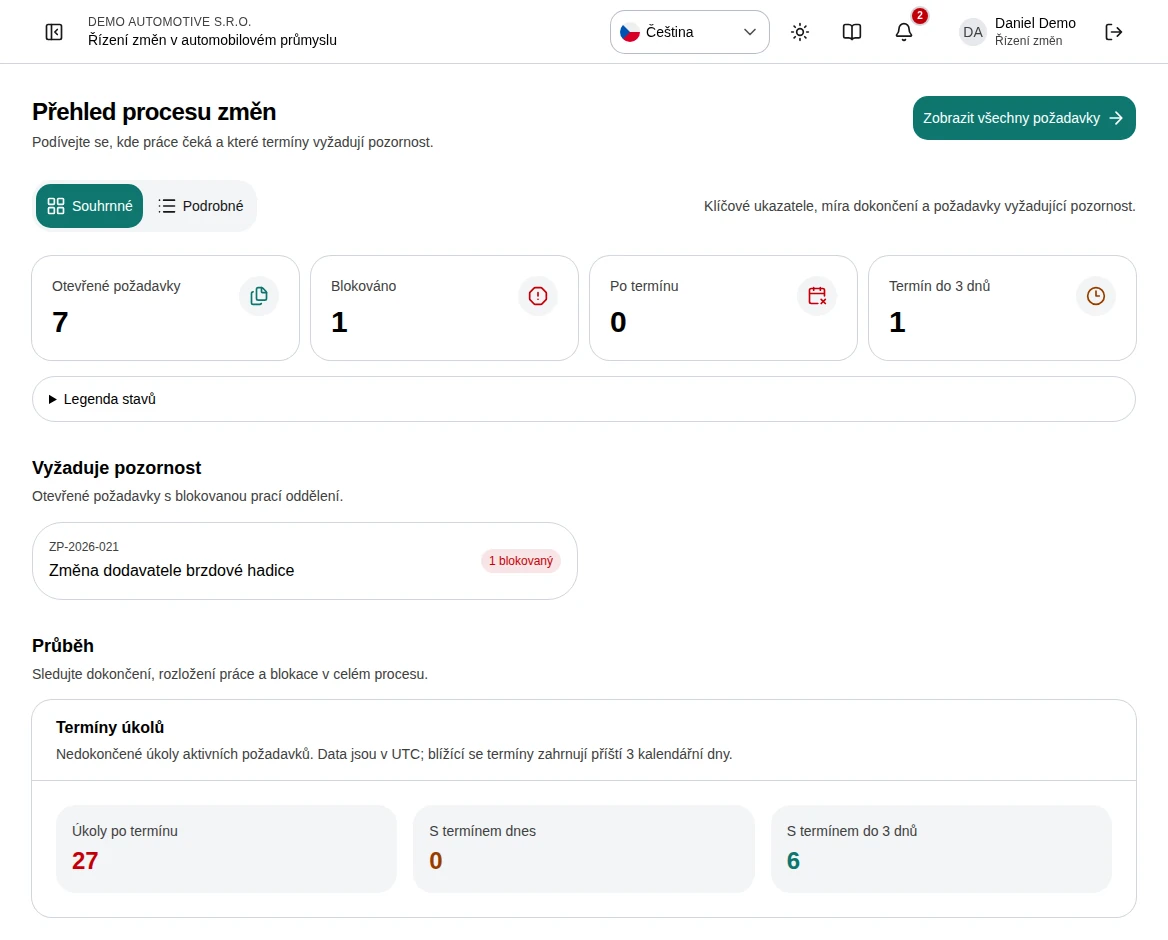
Overview and deadlinesRead portfolio health, urgent work, and progress by department.
Troubleshooting and common questionsResolve missing actions, blocked completion, failed saves, and unexpected visibility.
Managing changes
Locate the right change by reference, product, customer, owner, department, or dates.
Create a request step by stepCreate a change request using a completed example, from opening the form and choosing a workflow to setting deadlines and checking the new case.
The request workspaceRead the case summary, follow the task graph, and inspect decisions and recorded history.
Edit a request step by stepEdit an existing request, confirm automatic saving and check the result and audit history using a delivery date change as an example.
Tasks, answers, and dependenciesComplete departmental work with required responses and a clear status.
Hand work to another teamTransfer task ownership with context and a recorded history.
Review and record approvalsRecord an independent decision with a clear rationale at the appropriate approval gate.
Audit history and traceabilityUnderstand the recorded events for a change and the separate interaction audit.
Export a case as PDF or JSONTake a readable report or structured data snapshot from an accessible request.
Your workspace
Administration
Define reusable processes and publish the versions available to new requests.
Build a workflow: GATEs, tasks, and fieldsConfigure the task graph, departmental ownership, translations, and required answers.
Users and account accessCreate accounts and maintain names, roles, departments, and active status.
Departments and membershipMaintain the teams used for workflow ownership and task handovers.
Notification rulesChoose the superior notified when an assigned task stays overdue.
Roles and permissionsUnderstand built-in access levels and configure organization-specific roles.
Company branding and languagesSet company identity, colors, source language, and available workflow translations.
Interaction auditReview who visited a page or used a link or button.